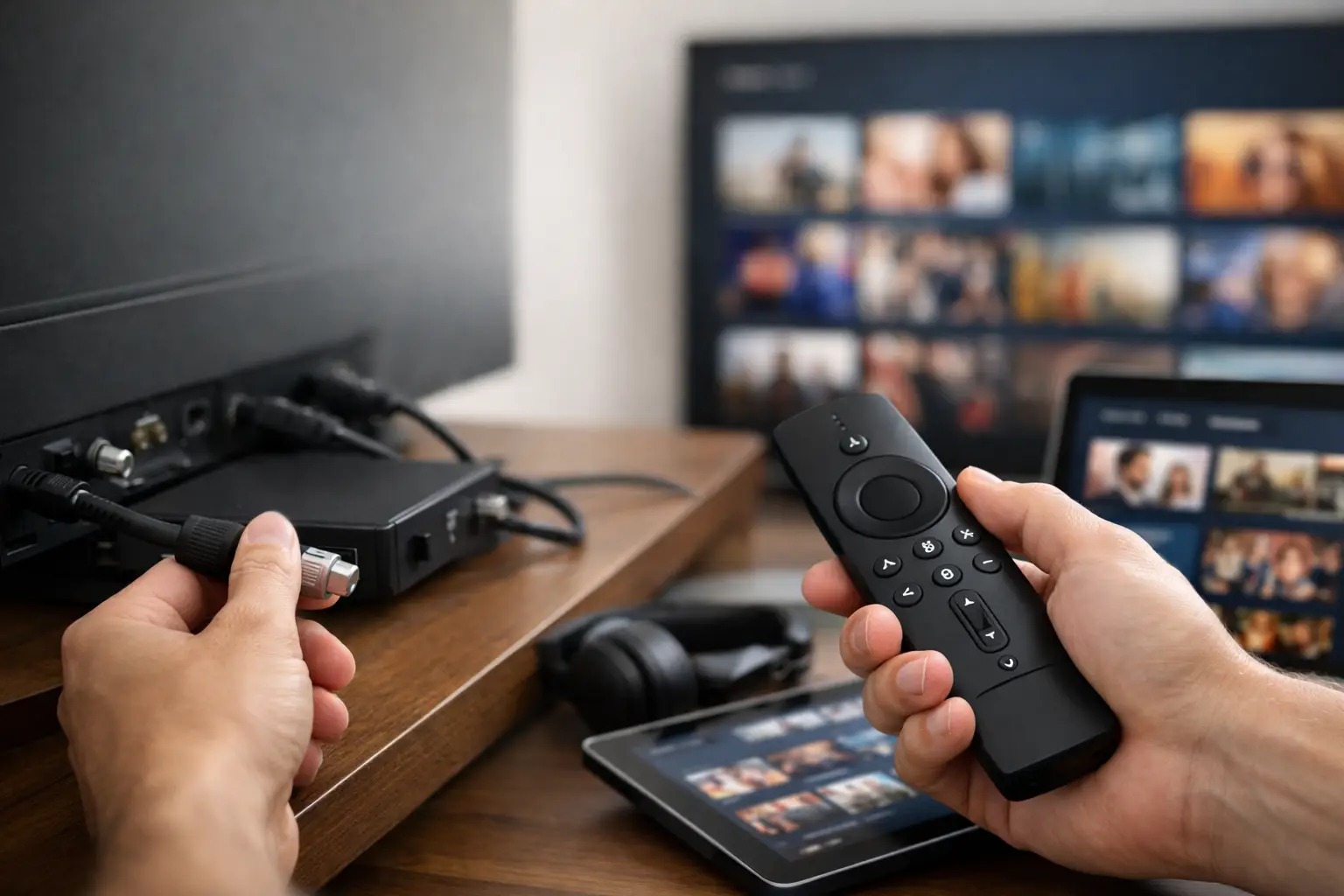
Cable bills usually do not explode all at once. It starts with a base package, then regional sports fees, box rentals, DVR charges, taxes, and suddenly you are paying a premium price for a setup that still feels limited. If you are figuring out how to replace cable subscriptions, the real goal is not just canceling a bill. It is rebuilding your entertainment setup so it gives you more content, better flexibility, and fewer moving parts.
The mistake most people make is swapping one bloated system for five smaller ones. They cancel cable, then stack separate apps for live TV, movies, sports, kids content, and international programming. A few months later, they are right back where they started – paying too much and juggling logins across multiple devices.
How to replace cable subscriptions without losing what you watch
A smarter replacement starts with knowing what cable was actually doing for you. For most households, cable covers three things: live channels, on-demand entertainment, and simple access across the TV, phone, and tablet. If your replacement only solves one of those, it will feel incomplete fast.
That is why the best cord-cutting setup is not about chasing the cheapest single app. It is about consolidating the features you actually use. If you watch live sports, breaking news, local-style channel lineups, premium movies, and large on-demand catalogs, you need a service mix that handles all of it with minimal friction.
The strongest option for many viewers is an all-in-one streaming model. Instead of piecing together multiple mainstream services, you look for a platform that combines premium IPTV for live television with a deep on-demand library and broad device compatibility. That approach gets much closer to the convenience cable used to promise, while usually delivering far more content per dollar.
Start with your real viewing habits
Before you cancel anything, audit what your household watches in a normal week. Not what sounds useful. Not what came bundled. What actually gets watched.
If your home depends on live sports and news, live TV should be the foundation. If you mostly watch movies, series, anime, or international content, then on-demand depth matters more than channel count. If you have a mixed household, which is common, then trying to patch together separate services often creates unnecessary cost and complexity.
This is also where people discover that cable was overbuilt for their needs. You may have been paying for hundreds of channels while regularly watching twenty. On the other hand, some viewers find that mainstream streaming apps are underbuilt – especially if they want foreign channels, niche sports coverage, Bollywood titles, documentaries, or high-bitrate 4K content.
The right replacement depends on that gap. If cable gave you too much of the wrong stuff, a targeted streaming setup saves money. If streaming apps feel too fragmented and shallow, a larger bundled service is often the better move.
The three parts of a better replacement
1. Live TV that feels complete
A cable replacement should not leave you constantly asking where a game, event, or channel moved. A strong live TV solution needs broad channel coverage, reliable uptime, and enough server performance to avoid buffering during peak hours. That matters more than a glossy app interface.
Many households underestimate how important stability is until they leave cable. When live TV fails, it fails at the worst possible time – kickoff, breaking news, or a major season finale. So when evaluating alternatives, look beyond marketing claims and pay attention to stream consistency, channel variety, and support responsiveness.
2. On-demand depth that reduces app hopping
One of cable’s biggest weaknesses was limited on-demand access. Replacing it should improve that, not make it messier. A deep video-on-demand library gives you more control over when and how you watch, and it reduces the need to maintain three or four extra subscriptions.
This is where scale matters. A platform with an extensive catalog of movies, TV series, documentaries, anime, and foreign content can replace a surprising amount of subscription sprawl. For movie-heavy households, access to higher-quality files and 4K-ready playback can also make a visible difference, especially on larger screens.
3. Device compatibility that keeps things simple
A service is only as good as its weakest screen. If setup becomes a chore on your Smart TV, Fire Stick, phone, or desktop, the experience breaks down fast. The best cable replacements work across the devices you already use and make switching between rooms painless.
This sounds basic, but it is often the difference between a setup that gets used daily and one that gets abandoned. Convenience is part of value.
Why stacked subscriptions often fail
The usual cord-cutting advice says to build your own bundle. That can work, but only if your viewing needs are narrow. For everyone else, stacked subscriptions have a way of becoming cable in disguise.
You add one service for prestige shows, another for live sports, another for family content, another for movies, and suddenly your monthly total is back in cable territory. Then there is the hidden cost of fragmentation – different apps, inconsistent menus, changing content rights, and constant decisions about where something is available.
That is why many experienced cord-cutters eventually move toward consolidation. They want one main provider that handles live television, a large on-demand catalog, and multi-device streaming in one place. It is not just about saving money. It is about reducing friction.
How to evaluate a replacement before you commit
If you want to know how to replace cable subscriptions successfully, test the experience the way you actually watch. Do not just browse screenshots or compare channel counts.
Run the service on your main TV. Test peak-hour playback. Check how fast channels load. Open movies and series from the on-demand section. Try mobile playback. If multiple people stream in your home, make sure simultaneous use is covered by the plan you choose.
Support also matters more than people expect. When a login issue or device setup problem appears, you want fast help, not a dead-end FAQ. Responsive real-time support can be the difference between a smooth switch and a frustrating one.
This is one reason trial access matters. A free or low-risk test period lets you verify performance on your own network and devices before replacing your current setup fully.
A better model for heavy streamers
For viewers who want scale, speed, and less subscription fatigue, the strongest setup is usually a bundled streaming environment that combines premium IPTV with a private media-server-style library. That gives you live TV for everyday viewing and event watching, plus a deep catalog for everything else.
This model is especially useful for households that do not fit the narrow catalogs of mainstream platforms. Sports fans, expatriate families, international channel viewers, anime watchers, and 4K movie enthusiasts tend to need broader access than single-brand apps can provide.
A provider like PrimeHub.Live is built around that exact demand. Instead of asking users to manage separate entertainment silos, it combines large-scale live TV access with an expansive hosted library and broad device support. For people who want one subscription to do the job of several, that structure makes practical sense.
Common trade-offs to think through
Not every cable replacement is right for every home. If you only watch a couple of original series per month, a large live-TV package may be overkill. If local broadcast access is essential, you need to confirm how that is handled. If your home internet is unstable, any streaming-first setup will feel weaker than it should.
There is also a learning curve, even with user-friendly services. Moving from cable means adjusting to app-based navigation, account setup, and internet-dependent playback. Most people adapt quickly, but it is still a change.
That said, the upside is usually stronger than the friction. Better content variety, fewer hardware rentals, more flexible device access, and lower monthly cost are hard to ignore once the setup is dialed in.
The simplest path forward
If you are serious about replacing cable, do not start by hunting for the cheapest app. Start by defining the simplest setup that covers your actual viewing habits with the least amount of subscription stacking. For many households, that means one provider for live channels and on-demand access, backed by reliable infrastructure and fast support.
The best cable replacement is the one that feels complete on day one and still feels efficient six months later. If your new setup gives you more channels, deeper on-demand access, better 4K performance, and smoother device flexibility without the old bill shock, then you did not just cut the cord. You upgraded your entire entertainment system.
Pick the setup that gives you room to watch more and manage less. That is when canceling cable starts feeling like a win, not a compromise.
Leave a Reply