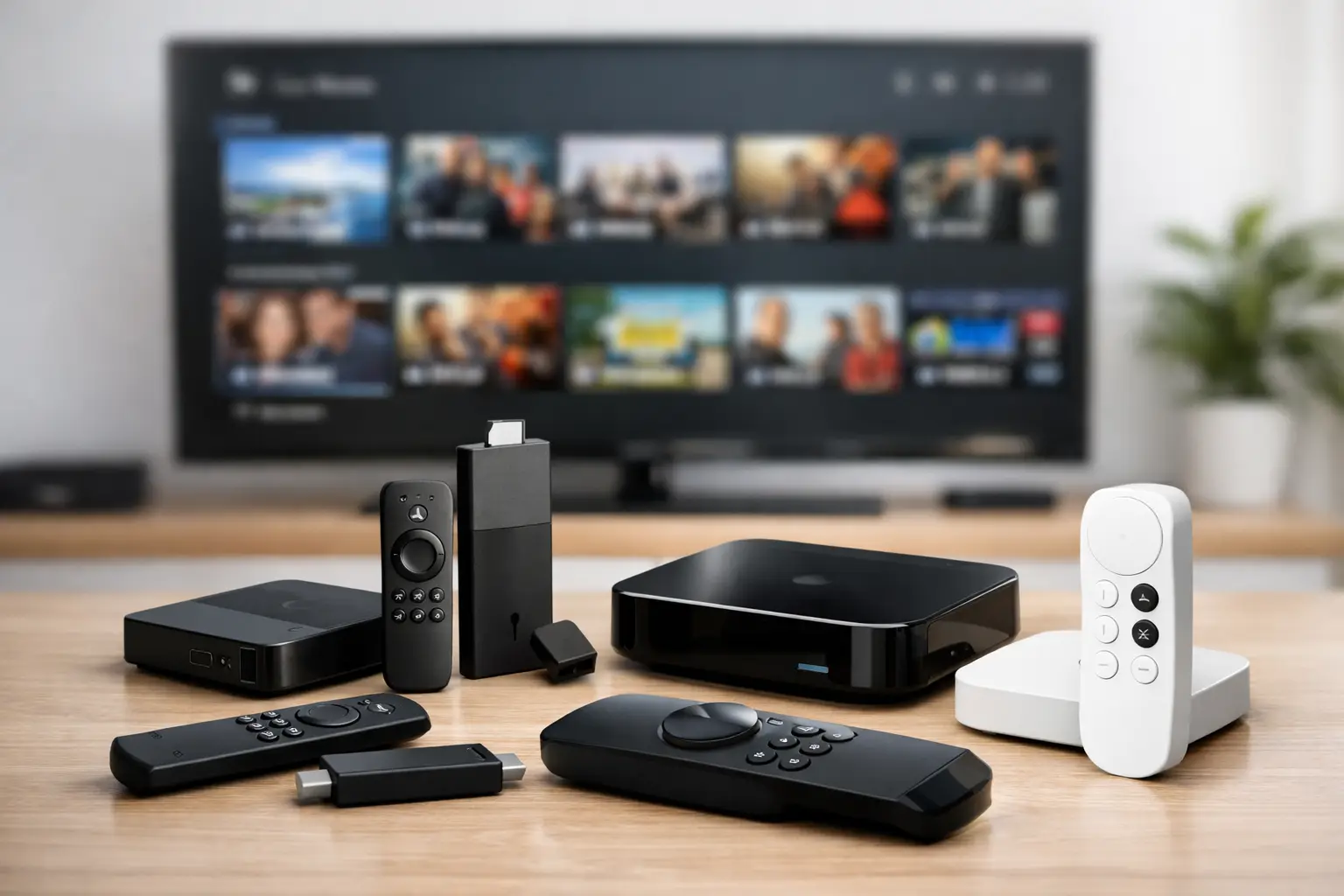
Most streaming problems blamed on an IPTV service are actually device problems. If your app lags, live channels stutter, or 4K playback looks unstable, the box plugged into your TV often matters just as much as your internet speed. Choosing the best devices for IPTV streaming is really about one thing – getting enough processing power, codec support, and network stability to handle live TV, VOD, and high-bitrate playback without friction.
For heavy streamers, the right device is not just a convenience upgrade. It affects startup speed, channel switching, app compatibility, Wi-Fi performance, audio support, and whether your setup still feels fast six months from now. That matters even more if you want one platform for live sports, international channels, movies, series, and large personal-library-style media access.
What actually makes a device good for IPTV streaming
A good IPTV device needs more than a recognizable brand name. Processing power is the first filter. Low-end sticks can open apps and play basic streams, but they struggle once you start switching channels quickly, loading large VOD catalogs, or pushing 4K files with higher bitrates.
RAM and storage also matter. Many IPTV apps cache thumbnails, EPG data, and playback history. Devices with limited memory can feel fine on day one and frustrating after regular use. If you stream daily, especially across live TV and on-demand libraries, extra headroom helps.
Network performance is the other big factor. Dual-band Wi-Fi is the minimum. Ethernet support is better if you care about consistent playback, especially for 4K and high-bitrate media. Codec support matters too. A device that handles modern video formats efficiently will run cooler, load faster, and produce fewer playback issues.
Best devices for IPTV streaming in 2026
Amazon Fire TV Stick 4K Max
For most people, this is the value pick. The Fire TV Stick 4K Max is affordable, widely available, easy to set up, and compatible with a large range of IPTV players. It has enough performance for live TV, catch-up content, and 4K streaming without the sluggish feel common on cheaper hardware.
It is especially strong for users who want a simple living room setup. The app ecosystem is broad, the remote is familiar, and the device is compact. For households that want fast deployment on multiple TVs, Fire TV usually offers the best balance of cost and performance.
The trade-off is that it is still a stick, not a full-powered box. If you are pushing very large libraries, multitasking heavily, or using advanced playback setups, you may eventually notice its limits.
NVIDIA Shield TV Pro
If performance is the priority, the Shield TV Pro still sits near the top. It has the processing power to handle demanding IPTV apps, large media libraries, AI-enhanced upscaling, and high-bitrate 4K playback with less compromise than most consumer streamers.
This is the box for users who care about speed and longevity. Channel changes are quick, menus stay responsive, and the device holds up under heavier use. It is also one of the better choices if your entertainment setup combines live IPTV with a serious media server environment.
The obvious downside is price. It costs more than a streaming stick by a wide margin. But if you want enterprise-grade feel from your home streaming hardware, this is where the premium starts making sense.
Apple TV 4K
Apple TV 4K is the cleanest option for users already inside the Apple ecosystem. It is fast, polished, and excellent at stable 4K playback. The interface is refined, and the hardware has more than enough power for premium streaming.
Where it shines is consistency. Apps launch quickly, playback is smooth, and the box remains responsive even with regular daily use. If your household uses iPhones, AirPods, and other Apple devices, the overall experience is hard to beat.
The downside is flexibility. Apple tends to be more controlled than Android-based platforms, and some users prefer the broader app freedom of Fire TV or Android TV devices. If customization matters, Apple may feel restrictive.
Chromecast with Google TV
This is a smart middle ground. Chromecast with Google TV offers a clean interface, good app support, and enough performance for mainstream IPTV streaming. It is easy to recommend for users who want Android-based flexibility without paying Shield-level pricing.
Its strength is usability. Search is good, recommendations are organized well, and app installation is straightforward. For users who want live channels and on-demand content in one familiar interface, it gets the job done.
Its weakness is that it does not dominate any single category. It is not the cheapest, not the fastest, and not the most expandable. Still, for balanced everyday streaming, it remains a solid pick.
Formuler Z11 Pro Max
For users who want a device built with IPTV in mind, Formuler deserves attention. It is popular because it focuses less on general streaming branding and more on IPTV-friendly performance, interface design, and app integration.
The main appeal is specialization. These boxes are often chosen by users who care about channel organization, EPG handling, and a more dedicated television-style experience. If your setup revolves around live TV first, rather than general app browsing, Formuler can feel more purpose-built.
The trade-off is mainstream familiarity. It is not as common in big-box retail environments as Fire TV or Apple TV, so setup and troubleshooting can feel less plug-and-play for casual users.
BuzzTV X5
BuzzTV is another strong option for users who want a more TV-centric IPTV box. It is designed for people who treat streaming as their primary content source, not just an occasional alternative to cable.
Performance is generally strong, and the user experience leans into live TV workflows. That matters if you spend more time browsing channels, categories, and program guides than jumping between mainstream apps.
It is a better fit for enthusiasts than first-time streamers. If you want something simple for a guest room, this may be more hardware than you need. If you want a dedicated IPTV box in the main living room, it is worth a look.
Smart TVs with Google TV or Android TV
For some users, the best device is the one already in the house. Modern Smart TVs running Google TV or Android TV can handle IPTV apps directly, which cuts out extra hardware and keeps the setup clean.
This works best on newer mid-range and premium TVs with decent processors. If your TV is recent and responsive, direct app installation may be all you need for stable live TV and VOD playback.
The catch is long-term speed. TV operating systems tend to age faster than dedicated streaming hardware. What feels smooth today can become slower after updates, larger app installs, and heavier daily use.
Which device is best for your setup
If you want the best value, go with Fire TV Stick 4K Max. It handles premium IPTV well and keeps costs low, especially for multi-room streaming.
If you want the strongest overall performance, choose NVIDIA Shield TV Pro. It is the better fit for demanding users, 4K enthusiasts, and anyone combining IPTV with a large hosted media library.
If you want the smoothest premium experience in an Apple household, Apple TV 4K makes sense. If you want flexibility at a reasonable price, Chromecast with Google TV is the safer middle-ground option.
If live TV is your main use case and you want a box that feels purpose-built, Formuler or BuzzTV may be the better answer. These devices appeal to viewers who want a more dedicated IPTV environment instead of a general streaming platform.
How to get better IPTV performance on any device
Even the best hardware needs the right setup. Ethernet is always the first upgrade if your device supports it. If not, use strong 5 GHz Wi-Fi and avoid weak signal zones behind thick walls or tucked behind metal TV mounts.
Keep the device updated, but do not overload it with apps you never use. Extra background processes and filled storage can drag down performance over time. Rebooting occasionally still helps more than people think.
App choice matters too. Some IPTV players are lighter and faster, while others prioritize layout and features. If one app feels slow on your hardware, the problem may not be the stream. It may be the player.
A stronger device also gives your service more room to perform at its best. That is one reason serious streamers using large live TV lineups, deep VOD catalogs, and 4K-ready libraries often pair premium services with hardware that can keep up. On a platform like PrimeHub.Live, where content volume and playback expectations are high, weak hardware becomes the bottleneck fast.
The best device is the one that matches how you actually watch. If your goal is basic live TV in a bedroom, keep it simple. If your goal is zero-buffering sports, international channels, massive on-demand access, and high-bitrate 4K in the main room, buy for headroom, not just price. Your service can only look as good as the hardware running it.
Leave a Reply