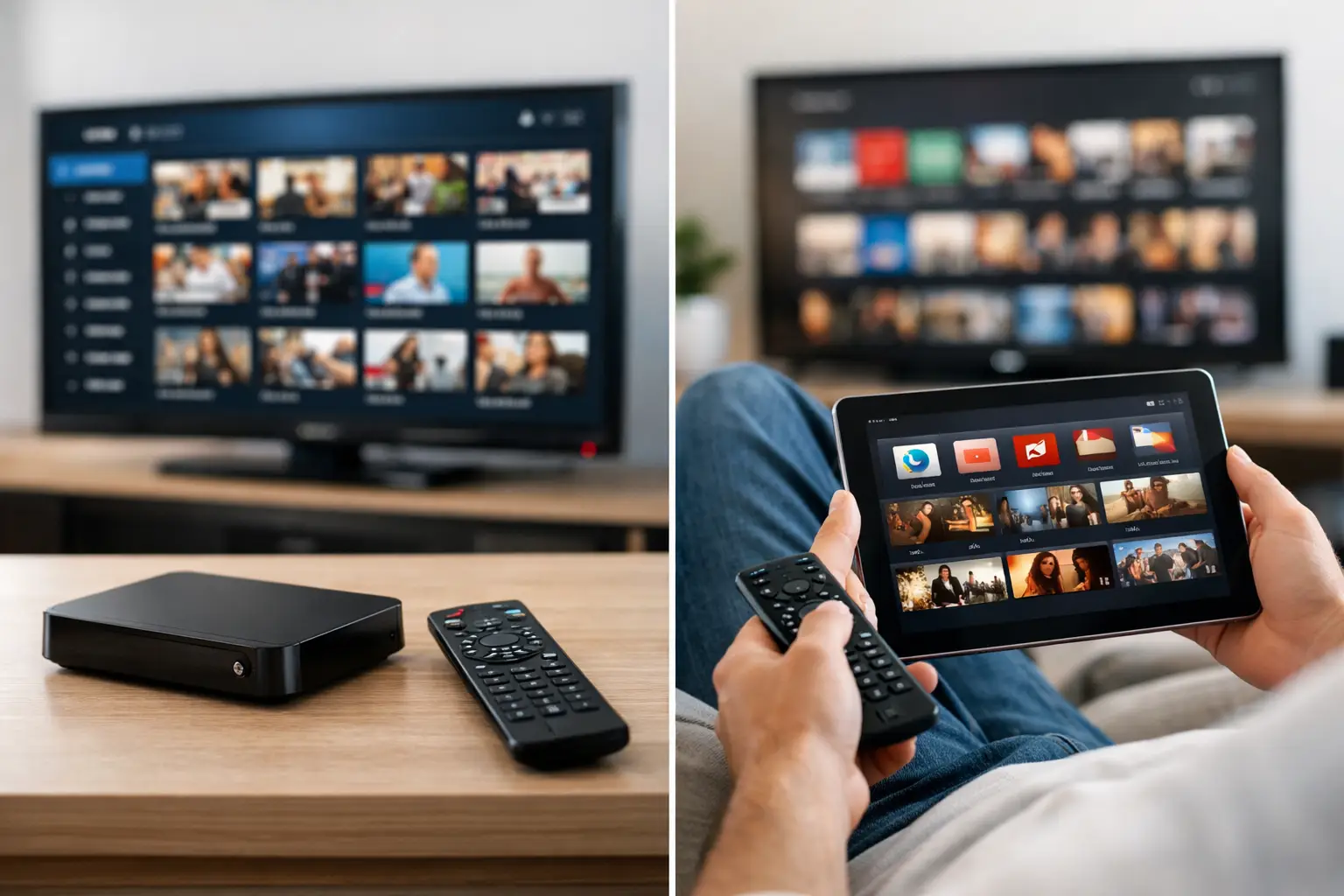
A Saturday sports schedule can expose the limits of a fragmented streaming setup fast. One game is on a live-TV app, another requires a separate subscription, and the movie your family wants is sitting behind yet another login. The real question in the IPTV vs streaming apps debate is not which technology sounds better. It is which setup gives you more of what you actually watch, on the devices you already use, without turning entertainment into subscription management.
For viewers who want live channels, international programming, sports, movies, series, and high-quality 4K playback in one place, the answer often comes down to breadth versus specialization. Both options can work well. They simply solve different problems.
IPTV vs Streaming Apps: The Core Difference
Streaming apps are usually single-brand destinations. Think of a service built around its own movies and original series, a network’s app, or a live-TV platform with a defined channel lineup. You install the app, sign in, and browse that provider’s catalog.
IPTV is a method of delivering television over an internet connection rather than through cable or satellite hardware. A premium IPTV service can organize live channels, electronic program guides, sports, news, regional programming, and video on demand through compatible apps and devices. Instead of moving between multiple services, viewers can access a larger entertainment environment from one subscription.
That distinction matters because IPTV is not automatically a content category, a quality guarantee, or a legal classification. The experience depends on the provider’s infrastructure, available rights, server capacity, app compatibility, and the plan you choose. Channel and title availability can also vary by location and provider. A serious buyer should look beyond big catalog numbers and evaluate reliability, playback quality, support, and device coverage.
Where Streaming Apps Still Make Sense
Streaming apps are easy to understand. Their interfaces are familiar, billing is straightforward, and many offer polished original programming that is exclusive to their platform. If you only follow a few shows or watch one network regularly, subscribing to individual apps can be a sensible, low-effort choice.
They also work well for households that prefer a highly curated catalog. A focused app can make recommendations quickly because it has a smaller, controlled library. There is less to browse, which can be a benefit if you do not want thousands of choices competing for attention.
The issue appears when your viewing habits expand. Add live news, local-style channels, major sports, kids’ programming, international TV, anime, documentaries, and a serious movie library, and the app stack grows. Monthly charges rise, passwords multiply, and your content is scattered across separate home screens. What began as cord-cutting can become cable pricing with more steps.
Why IPTV Appeals to Heavy Streamers
IPTV is built for people who do not watch only one category. A household may want live sports in the afternoon, a news channel during dinner, a Bollywood film later that night, and a 4K movie on the weekend. An all-in-one service reduces the friction of finding each one in a different ecosystem.
The strongest IPTV setups offer more than a channel list. They bring together live television, video on demand, catch-up features where available, categorized international content, and support for common devices. That can mean a Smart TV in the living room, a Fire Stick in the bedroom, a phone during travel, and a desktop browser at work all connect to the same entertainment account.
Scale is another factor. A service with tens of thousands of live channels and a deep on-demand catalog gives expatriate households, multilingual viewers, and sports fans more options than most single streaming apps can offer. The value is not just having more titles. It is having fewer dead ends when someone in the house wants something outside the usual mainstream catalog.
Live TV and Sports Are the Biggest Divide
For live television, the difference is often immediate. Many on-demand streaming apps are designed around episodes and films, not real-time channels. Even apps that carry live events may limit coverage to specific leagues, networks, or premium add-ons.
A well-built IPTV service is designed around the channel-surfing behavior that many cord-cutters still want. You can move from sports to news to entertainment to international programming without rebuilding your subscription every season. An electronic program guide also makes live content easier to navigate than searching individual apps for a game that starts in ten minutes.
That said, sports viewers should stay practical. No provider should be judged only by a promotional channel count. Check whether the plan supports the regions, leagues, and event windows you care about. Ask about concurrent streams if multiple people watch at once, and test performance during peak hours. A 24-hour trial is useful because it lets you evaluate the channel guide, loading times, picture quality, and device behavior before committing.
Video Quality Depends on More Than 4K Labels
Both IPTV and mainstream apps can deliver excellent video, but quality is a chain. Your provider’s servers, your home internet, Wi-Fi conditions, device capability, display settings, and the source itself all affect the final picture.
Streaming apps may have highly optimized delivery for their own catalog, but their highest-quality tiers are often separate upgrades. IPTV services can offer HD, Full HD, and 4K options across a much broader mix of live and on-demand content. For movie enthusiasts, a hosted Jellyfin library can add another layer of value by providing a personal-library-style experience with high-bitrate files, including 4K remux content where available.
If picture quality matters, do not rely on a phone test alone. Try the service on the largest screen in your home, preferably using Ethernet or strong 5 GHz Wi-Fi. Test fast channel changes, live events, subtitles, audio tracks, and a full-length movie. Enterprise-grade infrastructure is valuable only when it produces stable playback in your real viewing environment.
Device Flexibility Changes the Value Equation
A subscription is only convenient when it works where you watch. Streaming apps can be excellent on popular devices, but each service has its own compatibility rules, login limits, and app behavior. Some content is available on one platform but not another, while certain features may be locked to premium plans.
IPTV is often more flexible because access can be configured through compatible players on Smart TVs, Fire TV devices, Android TV boxes, mobile devices, tablets, and computers. The best setup is not necessarily the one with the most features. It is the one your household can use without constant troubleshooting.
Before choosing a plan, confirm three things: whether your devices are supported, how many simultaneous streams are included, and whether support is available when setup needs attention. Fast help through live chat, Telegram, WhatsApp, or Discord can make a meaningful difference when a new TV app needs configuration five minutes before kickoff.
Cost: Compare the Total Stack, Not One Price
A single streaming app may look inexpensive. The total changes when you combine a movie service, a live-TV package, a sports add-on, an international service, and a separate premium 4K tier. The more varied your household’s viewing, the more likely the stack becomes expensive and inefficient.
IPTV can offer a stronger value proposition when it replaces several entertainment categories at once. Rather than paying separately for live television and multiple fragmented libraries, you pay for a broader central service. Bundled IPTV and private media-server access can be especially appealing to viewers who want both live programming and a deep on-demand library without maintaining a personal server.
Still, lower cost should not be your only filter. Cheap service with poor uptime, confusing setup, or weak support becomes expensive in frustration. Look for transparent plan tiers, clear stream limits, a trial period, and a provider that explains what devices and content types are included.
Choosing the Right Setup for Your Household
Choose individual streaming apps if you mainly watch a small number of exclusive shows, prefer familiar branded interfaces, and do not need extensive live television. This route is simple for focused viewers.
Choose IPTV when your entertainment needs are wider: live channels, sports, international programming, news, movies, series, and flexible playback across several devices. A combined service is particularly useful when different people in the home watch different kinds of content and no one wants to manage six separate subscriptions.
For a high-volume setup, PrimeHub.Live positions its bundled IPTV and Jellyfin membership around that all-in-one model, with 40,000+ live channels, 100,000+ on-demand titles, a 1.8+ PB hosted library, multi-device access, and a 24-hour trial. The practical test is simple: use a trial on your own devices and judge the experience by the channels, libraries, and playback quality you will actually use.
The best entertainment setup should disappear into the background. When the game starts quickly, the movie is easy to find, and everyone in the house can watch on their preferred screen, you spend less time managing apps and more time enjoying what you subscribed for.
Leave a Reply