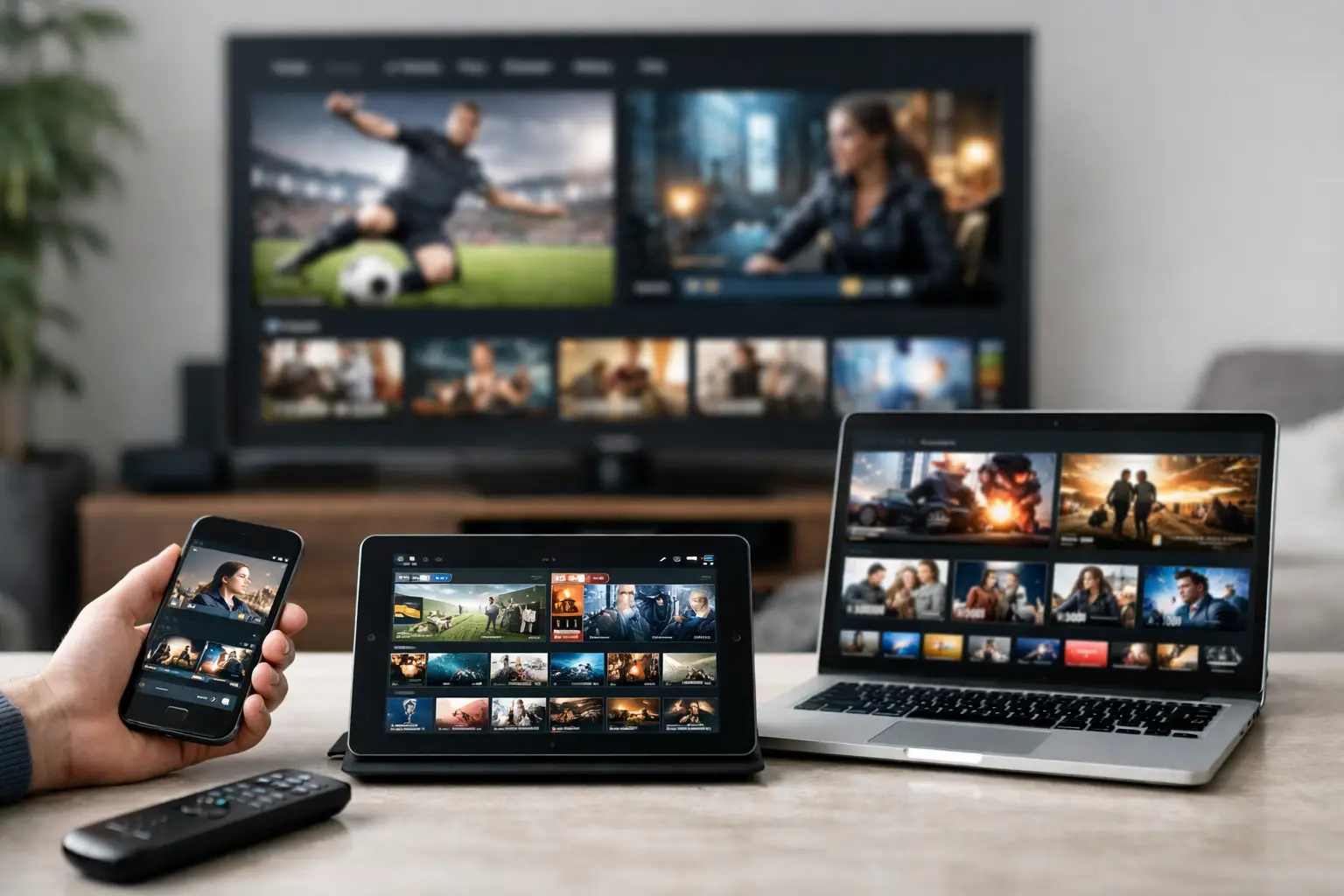
One TV is rarely enough. The living room may be tuned to live sports while someone else wants a movie in 4K, a traveler wants local channels on a phone, and another viewer is halfway through a series on a tablet. A multi device IPTV subscription is built for that reality: one entertainment service, available across the screens your household already uses.
The difference is not simply being able to install an app on several devices. The real value is having enough authorized simultaneous streams, the right app support, and the network performance to let people actually watch at the same time. Get those three details right and fragmented subscriptions, cable boxes, and constant account switching start to feel unnecessary.
What a Multi Device IPTV Subscription Changes
A single-device plan forces a household to negotiate screen time. A multi-device plan gives each viewer more freedom without requiring separate subscriptions for every room or family member. You can watch a live game on a Smart TV, keep news running in the kitchen, and open video-on-demand on a mobile device without constantly signing in and out.
For cord-cutters, this flexibility matters as much as channel volume. Live television is still time-sensitive. Sports, breaking news, special events, and international broadcasts lose their appeal when the one available stream is already occupied. Multiple streams let a household use the service the way people use entertainment now: independently and across different locations.
It also makes a larger catalog more practical. A service with 40,000+ live TV channels and 100,000+ on-demand titles has real value when viewers can explore it on the device that fits the moment. Browse movies from the couch, watch a documentary on a laptop, catch a show during a commute, or put children’s content on a tablet while the main TV stays available.
Simultaneous Streams Matter More Than Device Count
This is the detail many buyers miss. A provider may support Fire Stick, Android TV, Smart TVs, iPhone, iPad, Android phones, Windows, and Mac devices. That means you can install the service on those platforms. It does not automatically mean every installed device can play content at once.
A simultaneous stream is an active playback session. If your plan includes two streams, two people can watch at the same time. A third device may still be logged in, but it may not be able to begin playback until one of the active streams stops.
Choose stream capacity based on real viewing habits, not the number of devices in the house. A couple with one primary TV and occasional mobile viewing may be comfortable with two streams. A family with multiple TVs, sports fans, children, and frequent travelers will usually benefit from a higher stream tier. Paying for more capacity than you use is wasteful, but underbuying creates the exact friction a multi-device setup is supposed to remove.
Installed devices versus active viewers
Think of installation as access and simultaneous streams as capacity. You can keep the app ready on a bedroom TV, living room Fire Stick, tablet, and phone. Capacity determines how many of those screens can run video at one time.
Before choosing a plan, count the moments when overlapping viewing happens. Weeknight TV, weekend sports, school breaks, travel, and major events are more revealing than a normal quiet afternoon. That quick audit will point you toward the right tier.
Build a Setup That Fits Your Screens
A strong multi-device experience starts with compatible hardware. Fire TV and Android TV devices are popular because they are affordable, fast, and simple to move between rooms. Native Smart TV apps reduce clutter around the television. Mobile apps make sense for travel and casual viewing, while desktop access is useful for home offices and larger personal displays.
The best setup is usually a mix rather than one device type everywhere. Use the screen with the best display and strongest network connection for 4K movies or major games. Keep lighter devices for secondary rooms and mobile viewing. A wired Ethernet connection is ideal for the main entertainment center when available, while modern dual-band or Wi-Fi 6 equipment can support the rest of the home effectively.
PrimeHub.Live is designed around this kind of mixed-device household, combining Premium IPTV access with private Jellyfin media server membership in one entertainment package. That means live channels, deep on-demand viewing, and personal-library-style browsing can sit under one subscription strategy instead of being scattered across multiple services.
Performance Depends on More Than the Subscription
Content scale is only one part of the experience. A provider needs capable infrastructure, but your local connection and device health still influence playback. A high-bitrate 4K remux places very different demands on a network than a standard-definition live channel.
For dependable viewing, make sure your internet plan has enough speed for every active stream, especially at peak household usage. A single HD stream often needs modest bandwidth, but multiple HD streams plus 4K playback, gaming, video calls, and cloud backups can add up quickly. If your picture quality drops or playback stalls only when several people are online, the bottleneck may be your home network rather than the service.
Place your router in an open, central location when possible. Avoid burying it in a cabinet or behind a TV. If a distant room has weak coverage, a mesh system or wired access point can make a bigger difference than replacing the streaming device. On Fire Stick and Smart TV setups, restarting the device periodically and keeping its software current can also prevent small performance issues from becoming persistent ones.
Use 4K where it counts
Not every screen needs the highest available bitrate. A 4K remux can look exceptional on a large television with a capable display and stable connection. On a phone or smaller secondary TV, HD may deliver a better balance of quality, startup speed, and bandwidth use.
This is not a compromise in the negative sense. It is smart allocation. Reserve premium bandwidth for the screens where you can see the difference, especially during busy hours when several people are watching.
One Service Can Cover More Viewing Styles
The strongest reason to choose a multi-device plan is variety. Households do not all watch the same thing, and they should not need to. One person may prioritize live US sports and local-style programming. Another may want international channels, Bollywood titles, anime, documentaries, or foreign-language series. A movie fan may be looking for high-bitrate 4K files rather than another limited rotating catalog.
An all-in-one entertainment offering reduces subscription fatigue because viewers do not have to remember which app holds which title or which service has the right live channel. It also gives the household a better chance of finding something worth watching without adding another monthly bill.
There is still a trade-off. A massive catalog can feel overwhelming if the interface is unfamiliar or the device is underpowered. Use favorites, watchlists, categories, and search tools early. Spend a few minutes organizing the channels and collections you use most. The larger the library, the more valuable that small amount of setup becomes.
How to Choose the Right Plan
Start with stream count, then consider the content mix and support access. A lower tier works well for lighter use. Higher tiers make more sense when several people regularly watch in parallel or when you want the freedom to use a TV, mobile device, and travel setup without checking who is currently streaming.
A free 24-hour trial is particularly useful for a multi-device IPTV subscription because it lets you test the conditions that matter in your own home. Try the app on your actual devices, play a live channel, open on-demand titles, and test concurrent viewing during the time your network is busiest. If you need help with setup or device compatibility, responsive support through live chat, Telegram, WhatsApp, or Discord can save time.
The goal is not to add more screens for the sake of it. It is to give every viewer access to live TV and on-demand entertainment without turning the household into a queue. Choose the stream capacity you will genuinely use, test it on the devices that matter most, and let your entertainment setup work around your life instead of the other way around.
Leave a Reply