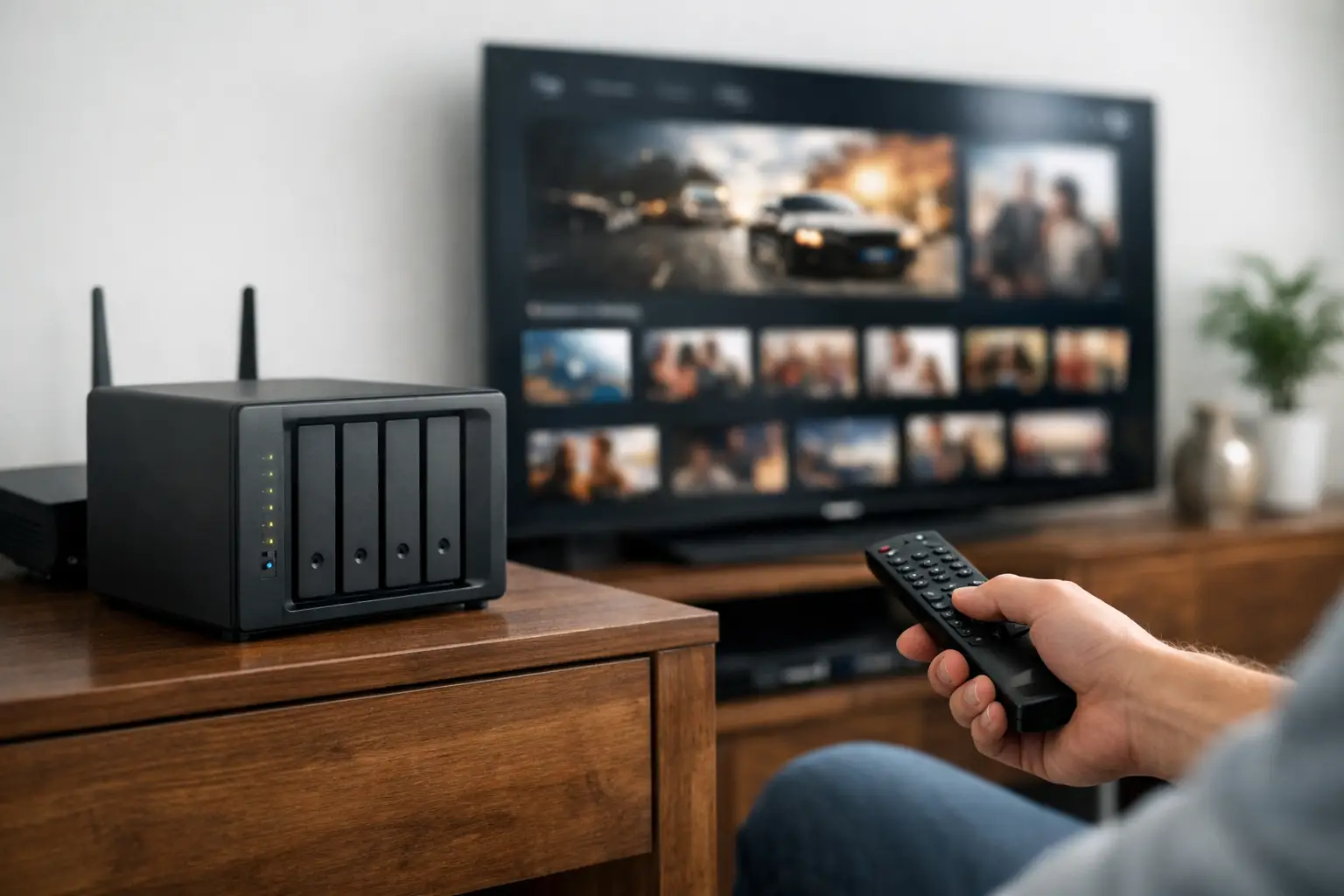
A movie night should not begin with five app logins, a disappearing title, and a warning that your stream limit has been reached. What is a private media server? It is a dedicated streaming environment that gives approved members access to a centralized media library through apps and devices they already use. Think of it as your personal streaming universe: organized, device-ready, and built around one library instead of a scattered collection of subscriptions.
For cord-cutters, 4K movie fans, international households, and anyone tired of catalog hopping, a private media server changes the experience from searching everywhere to watching from one place.
What Is a Private Media Server, Exactly?
A private media server stores and streams video content from a controlled library rather than sending you through a public, ad-supported catalog. Access is typically limited to the server owner, invited users, or paying members. The server organizes movies, TV series, documentaries, anime, kids programming, foreign-language content, and more into an interface that feels familiar on a Smart TV, Fire Stick, phone, tablet, or computer.
The word private refers to access control. The library is not an open public website where anyone can browse or upload files. You sign in with authorized credentials and stream from the collection made available to your account. That can mean a server you host yourself at home, or a managed service that operates the infrastructure for you.
Private does not automatically mean anonymous, unlimited, or free from rules. Your viewing experience still depends on account permissions, server capacity, internet speed, and the rights or sources associated with the content. The practical advantage is control: fewer moving parts, a focused library, and a more consistent place to watch.
How a Private Media Server Works
At its core, the system has three jobs: store media files, organize them with artwork and metadata, and deliver the correct video quality to each device. A platform such as Jellyfin provides the player experience, while the server does the heavy lifting in the background.
When you open the app, your device connects to the server using your account. You select a title, and the server either sends the original video file directly or converts it into a format your device and connection can handle. That conversion process is called transcoding.
Direct Play vs. Transcoding
Direct Play is the best-case scenario. Your streaming device supports the file’s video codec, audio format, subtitle type, and bitrate, so the server can send the file with minimal processing. This is especially valuable for high-bitrate 4K remux files, where image quality and audio detail matter.
Transcoding becomes necessary when a device cannot play a specific format, when subtitles require processing, or when the available internet connection cannot sustain the original bitrate. A capable media server can create a compatible stream on the fly. That flexibility is useful, but it also demands serious processing power and enough bandwidth. A weak server can turn an impressive library into a buffering problem.
The Infrastructure Behind the Screen
A well-managed private media server is more than a hard drive full of files. Performance depends on storage capacity, network throughput, server CPU or GPU resources, user limits, monitoring, and app compatibility. If several household members are watching different titles at once, the system must handle concurrent streams without slowing down.
That is why large managed libraries often run on enterprise-grade infrastructure rather than a single consumer computer. The goal is simple: fast library browsing, reliable playback, and quality that holds up on the screen you actually use.
Private Media Server vs. Mainstream Streaming Apps
Mainstream streaming platforms offer convenience, but their catalogs are fragmented and change constantly. A movie available this month may be gone next month. Live sports, international channels, specialty documentaries, anime, and premium movies may each require separate services and separate monthly bills.
A private media server takes a library-first approach. Instead of asking, “Which app has this?” you browse one organized collection. For users who care about depth, this can be a major upgrade. The experience feels closer to owning a carefully maintained digital library than renting access to a rotating storefront.
There are trade-offs. A mainstream app usually requires almost no setup and may offer exclusive originals or polished platform-specific features. A private server can require more technical awareness, particularly if you host it yourself. Managed memberships reduce that workload by handling storage, updates, server maintenance, and remote access for you.
Why People Choose a Private Media Server
The biggest appeal is consolidation. One account can make it easier to move between a 4K movie, an older TV series, a foreign-language title, a documentary, or a kids show without bouncing among multiple apps.
It also gives users more control over how they watch. Many media server apps remember progress across devices, organize collections by genre or category, support multiple user profiles, and make a large library easier to browse. Start a film on a tablet, then continue it later on a living-room TV without losing your place.
Quality is another major factor. Public streaming apps often use aggressive compression to serve massive audiences efficiently. A private server can prioritize higher-bitrate source files when the network and device support them. That does not guarantee every title will be 4K or every connection will be flawless, but it creates room for a noticeably better home-theater experience.
For households with varied tastes, scale matters too. A deep library reduces the usual compromise of picking the one service that works for one person while leaving everyone else browsing for something else.
What to Look for in a Private Media Server Membership
Not every private server delivers the same experience. The size of a library is meaningful only if it is organized, searchable, maintained, and backed by infrastructure that can deliver content when people want to watch it.
Start with device compatibility. A quality service should work across the screens that matter to you, including Smart TVs, Fire TV and Fire Stick devices, Android TV, mobile apps, tablets, and desktop browsers. A server that looks great on a computer but is awkward on a television does not solve the living-room problem.
Next, consider stream limits and performance. Ask how many simultaneous streams your plan supports, especially if multiple people in the home watch at the same time. Look for clear expectations around 4K playback, remote streaming, and server availability. “Zero buffering” is a strong goal, but real-world playback also depends on your home Wi-Fi, internet plan, device capability, and the bitrate of the title.
Library depth should match your viewing habits. Sports viewers may want a bundled solution that also includes premium IPTV and replays. Families may prioritize kids content and easy navigation. Movie enthusiasts may care most about remux quality, audio options, and catalog variety. International viewers may put foreign channels and regional content first.
Support is not a minor detail. When an app needs configuration or a device stops connecting, fast help matters more than a long feature list. Around-the-clock assistance through channels such as live chat, Telegram, WhatsApp, or Discord can make a managed service feel far less technical.
Should You Host Your Own Server or Use a Managed One?
Hosting your own private media server gives you maximum control. You choose the hardware, storage, files, users, network settings, and update schedule. It can be rewarding for experienced users with the time and technical confidence to maintain it. But large libraries require substantial storage, reliable backups, remote-access configuration, and hardware powerful enough for transcoding.
A managed private server membership is designed for people who want the result without building the stack. The provider handles the hosted library and the backend environment, while you focus on signing in and watching. PrimeHub.Live, for example, positions a private Jellyfin media server alongside premium IPTV access for viewers who want live television and a deep on-demand library in one entertainment package.
The right choice depends on whether you value hands-on ownership or immediate access. If you enjoy managing hardware, self-hosting can be a project worth taking on. If your priority is a large, ready-to-stream library across your everyday devices, a managed option is usually the faster route.
A private media server is not just another app in the stack. Used well, it is the place that makes the rest of your entertainment setup feel organized – one login, one library, and more time spent watching instead of hunting for something to play.
Leave a Reply