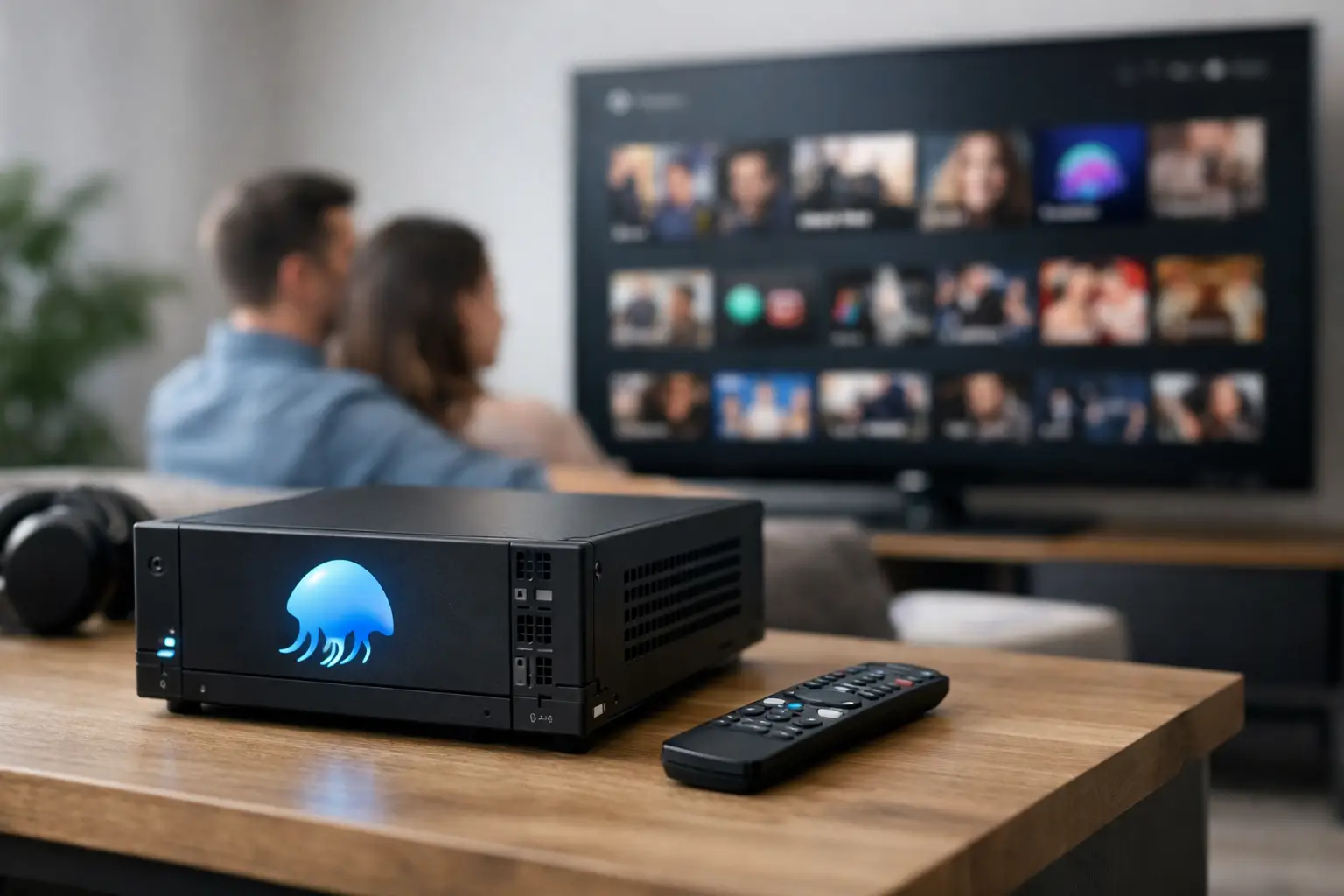
A Jellyfin server changes the way a serious streaming household watches. Instead of jumping between apps to find a movie, losing track of unfinished episodes, or settling for compressed video, you open one organized library built to feel personal. Your watchlist, playback history, collections, subtitles, and high-bitrate files live in one place.
For viewers who want more than a rotating catalog, that difference is substantial. A well-run hosted Jellyfin setup turns a massive media collection into a familiar streaming interface across the screens you already use – without turning your living room into a monthly subscription management project.
What a Jellyfin Server Actually Does
Jellyfin is media server software. It organizes video files into a polished library and streams them to compatible devices through a client app, web browser, or supported player. Think of the clean browsing experience people expect from major streaming platforms, but centered on a private media library rather than a limited, constantly changing catalog.
The server handles the work behind the screen. It identifies titles, pulls in artwork and descriptions, organizes seasons and episodes, remembers where you stopped watching, and delivers the right version of a file to the device in front of you. On a capable hosted platform, it can also transcode when a phone, TV, or network connection cannot play the original video format directly.
That last part matters. A 4K remux can preserve exceptional video and audio quality, but those files are demanding. Whether they play directly or need to be converted in real time depends on your device, your home network, and the server resources available. The best experience is always direct play, but reliable transcoding keeps a great library usable beyond the ideal setup.
Why One Private Library Feels Better Than More Apps
Fragmented streaming is not only expensive. It is inefficient. A title can disappear with little warning, a show can be split between services, and a family can end up searching four interfaces before deciding what to watch. The problem gets worse for international content, classic films, niche documentaries, anime, Bollywood releases, and high-quality versions of popular movies.
A hosted Jellyfin membership solves a different problem than another mainstream app. It gives you depth and continuity. The library is designed for browsing by genre, release year, actor, studio, collection, or resolution, with familiar poster art and episode organization. A film night does not have to start with a search engine and a chain of separate logins.
It also gives the household a more personal experience. Separate user profiles can maintain individual watch progress and recommendations. Parents can keep kid-friendly viewing separate from mature libraries. Movie fans can build collections around directors, franchises, foreign cinema, or reference-quality 4K releases without cluttering everyone else’s home screen.
The Performance Details That Matter Most
Content volume gets attention, but performance decides whether people keep using a service. A library with thousands of titles is not valuable if navigation drags, streams stall at prime time, or a device cannot handle the selected file. That is why the underlying infrastructure matters as much as the catalog.
A strong Jellyfin experience starts with storage capacity and fast delivery. Large hosted libraries need enough space for high-bitrate source files, especially 4K remux content that can be many times larger than a standard streaming version. They also need server capacity to support concurrent viewers, metadata scans, subtitle handling, and any required transcoding without turning busy hours into a waiting game.
Your connection still plays a role. A wired connection or solid Wi-Fi can make a noticeable difference for high-bitrate 4K playback. If your TV supports the file’s video codec and audio format, direct play is usually the cleanest path. If it does not, the server may convert the stream to a format your device can use. That convenience can require more processing power and may reduce maximum quality, so the result depends on the device and network in use.
For everyday viewing, reliability is just as important as raw resolution. Fast library loading, accurate metadata, responsive search, resume playback, and stable access across rooms are the details that make a private media server feel like a premium service rather than a technical hobby.
Direct Play vs. Transcoding
Direct play means the Jellyfin app receives the original file in a format your device supports. This is ideal for preserving high-bitrate video, lossless audio, and the full quality of a 4K remux. Modern streaming devices and capable smart TVs often handle common formats well, but support varies widely by model.
Transcoding is the fallback when the original codec, audio track, subtitle format, or bitrate is not compatible. The server converts the media on demand. This is useful when watching remotely, streaming on mobile data, or using an older device, but it places more demand on the hosting environment. A serious hosted server should be built for those real-world situations, not just the easiest playback scenario.
Device Flexibility Is Part of the Value
A media library only earns its place if it works where you watch. Jellyfin is a practical fit for households that move between the living room TV, bedroom Fire Stick, tablet, phone, laptop, and desktop browser. You should not need a different catalog or a separate account every time you change screens.
Common viewing options include:
- Smart TVs and Android TV devices
- Amazon Fire TV and Fire Stick devices
- Apple TV and mobile devices
- Android phones and tablets
- Windows, macOS, and Linux computers
- Web browsers for quick access on supported systems
Compatibility is not identical to identical performance. A flagship streaming box may direct play a file that an older smart TV needs transcoded. A phone on cellular data may need a lower bitrate than a wired living room setup. The advantage of a well-managed server is that it gives you options instead of forcing the same limited stream onto every screen.
Hosted Membership vs. Running Your Own Server
Running Jellyfin yourself offers maximum control. You choose the hardware, provide the storage, manage your files, configure remote access, maintain backups, and troubleshoot playback issues. For enthusiasts with time, technical confidence, and a carefully curated library, that can be rewarding.
It also comes with real overhead. High-capacity drives, a capable CPU or GPU for transcoding, stable upload bandwidth, electricity, replacements, updates, and security all cost money or time. Remote streaming can be especially challenging when your home internet has limited upload speed. A local server may be perfect inside the house but less dependable when you are traveling.
A hosted Jellyfin membership prioritizes convenience. The infrastructure, storage, organization, and server maintenance are handled for you, while you focus on browsing and watching. That model is especially attractive for viewers who want access to an enormous library without building a NAS, learning port forwarding, or monitoring hardware health.
The trade-off is control. A self-hosted setup lets you decide every file and configuration. Hosted access depends on the provider’s library design, device guidance, stream limits, and service policies. Before choosing, consider how much you value hands-on ownership versus immediate access, scale, and support.
What to Look for in a Hosted Jellyfin Experience
Do not judge a service only by its title count. Ask whether the platform is built for the way you actually watch. Large numbers mean more when the library is organized well, search is accurate, and the server has enough capacity to serve users at busy times.
Look for high-bitrate options if picture quality is a priority, especially if you own a capable 4K TV and sound system. Confirm the number of simultaneous streams included in the plan, since one stream may be enough for a solo viewer but not for a household. Device support matters too. The service should have clear setup guidance for the platforms you use most, not only a generic promise of compatibility.
Support is another practical differentiator. Streaming setup is usually easy, but occasional questions happen: an app needs configuring, a device chooses the wrong playback mode, or a subtitle track needs changing. Responsive help through live chat or messaging can be more valuable than a flashy catalog when it is time to watch.
PrimeHub.Live brings that hosted model together with Premium IPTV, offering private Jellyfin library access alongside live TV, sports, replays, and on-demand viewing in one entertainment package. For households tired of paying for separate services that each solve only part of the problem, the appeal is simple: more choice, fewer platform switches, and a setup built for real devices.
Make the Most of Your Setup
Start by using the best connection available for the screen that handles your highest-quality playback. Ethernet is ideal for a main 4K TV, while reliable Wi-Fi can be more than enough for standard streaming and mobile viewing. Use the dedicated Jellyfin client where available, because it often offers better playback control than a browser alone.
Then treat the library like your own. Create watchlists before movie night, save collections for different members of the household, and test a few 4K titles on your primary device to see whether it direct plays comfortably. If a file does not perform as expected, try another audio track, subtitle option, or playback setting before assuming the library is the issue.
The right Jellyfin setup should disappear into the background. When the library opens quickly, the picture looks right, and every screen picks up where you left off, entertainment stops feeling fragmented and starts feeling like it belongs to you.
Leave a Reply