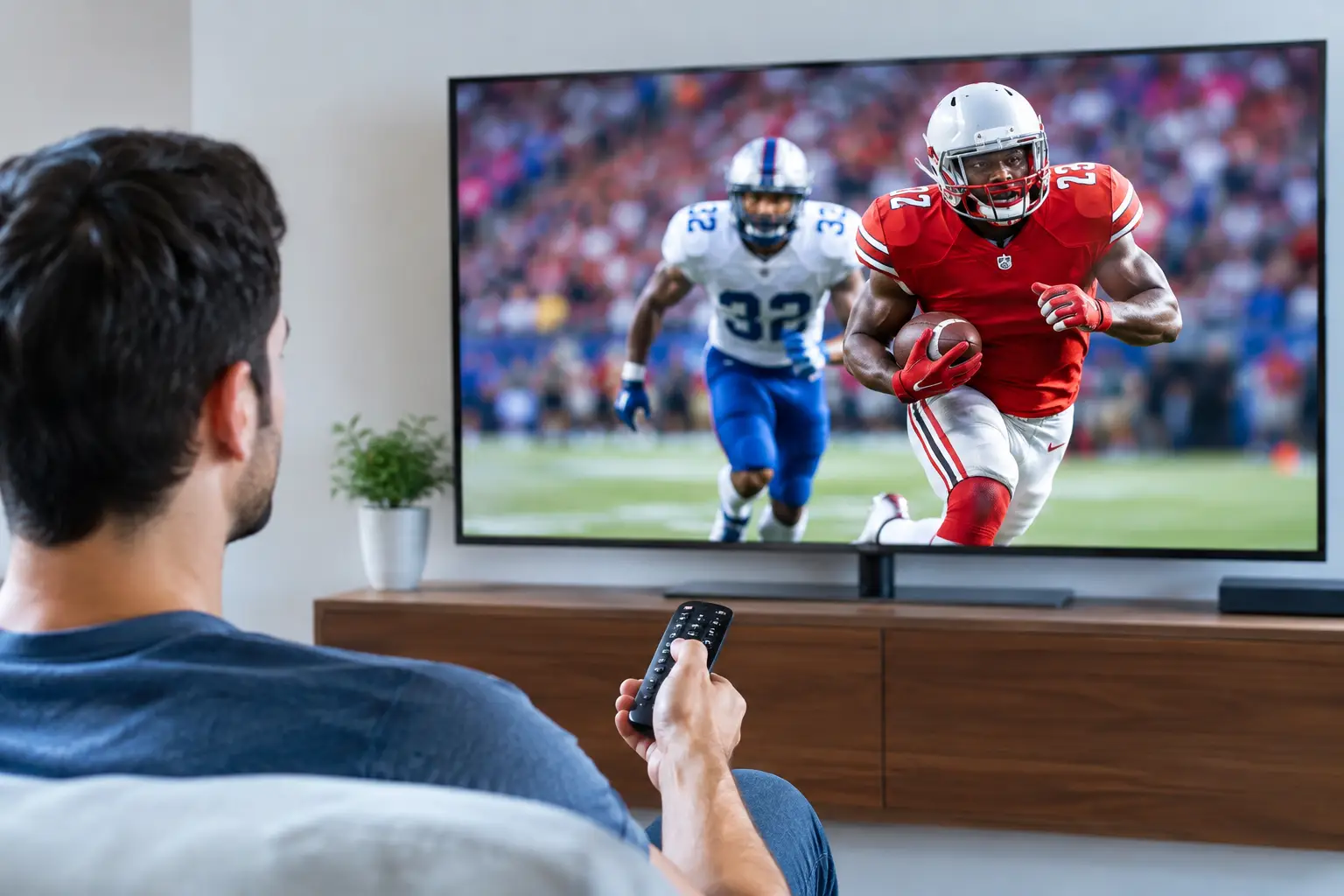
A real 4K sports streaming review has to start where the action happens: during a fourth-quarter drive, a title fight, a penalty shootout, or the final lap. Anyone can make a stream look good on a static movie scene. Live sports expose every weak point in a streaming setup – motion handling, frame pacing, delay, bitrate consistency, device performance, and the provider’s ability to stay online when everyone tunes in at once.
For serious fans, the question is not whether a service advertises 4K. The question is whether it delivers a sharp, stable, watchable game when the stakes are high. Here is what separates premium sports streaming from another disappointing subscription.
4K Sports Streaming Review: What You Should Measure
Resolution is the headline feature, but it is only one part of the picture. True 4K delivers four times the pixel count of 1080p, which can make a major difference on larger TVs. You see finer detail in player jerseys, stadium signage, grass texture, court lines, and fast-moving camera shots. On a quality 4K television, a clean feed makes the game feel less compressed and more immediate.
But not every stream labeled 4K produces the same result. A low-bitrate 4K stream can look soft, blocky, or smeared during rapid motion. Sports are especially demanding because the screen is constantly changing. A wide shot of a football field, a packed arena, or a fast hockey breakaway creates far more data than a close-up interview.
The stronger benchmark is 4K paired with a healthy bitrate, efficient video encoding, and stable delivery. When those pieces work together, the picture stays detailed through motion instead of collapsing into digital noise. That is the standard worth paying attention to, not a badge in an app menu.
Motion is where quality gets tested
Sports fans notice motion problems instantly. The ball disappears in a blur. The camera pans across the crowd and the image turns muddy. Fast cuts stutter just enough to make the broadcast feel cheap. These issues often come from a combination of aggressive compression, weak device hardware, Wi-Fi interference, or an overloaded source.
A high-quality service should preserve clarity when the action accelerates. It should also play well with the motion settings on your television. Many TVs apply smoothing by default, which can create an artificial look. For sports, a moderate motion setting may help, but excessive processing can introduce artifacts around players and score graphics. Test your TV with a live game before deciding that the stream itself is the problem.
Frame rate matters as much as resolution
A sharp 4K image at an inconsistent frame rate is not premium viewing. Most live sports in the US are best experienced at 60 frames per second when available. That higher frame rate keeps passes, swings, cars, and camera movement fluid. It also makes replay footage and slow-motion analysis easier to follow.
Some providers prioritize resolution while delivering a lower or unstable frame rate. Others may offer a consistently smooth 1080p feed that looks better in real play than a poorly encoded 4K option. This is one of the key trade-offs: the best choice is the stream that remains clear and fluid on your actual screen, not the one with the biggest number in its label.
Live Reliability Beats a Perfect Demo
A sports service earns trust during peak demand. Big playoff nights, championship games, pay-per-view cards, and international tournaments are when weak infrastructure gets exposed. Buffering during pregame coverage is annoying. Buffering during a deciding play is a reason to cancel.
Reliable live streaming depends on more than your internet package. The provider needs sufficient capacity, efficient routing, monitored servers, and backup paths when a source has trouble. Enterprise-grade infrastructure is not marketing filler when it prevents interruptions at the exact moment viewers need the feed.
No live service can honestly promise that every event will be flawless in every home. Local Wi-Fi, device age, regional routing, and source conditions all matter. What separates a premium setup is how well it handles pressure, how quickly alternate feeds are available, and whether support responds when something needs attention.
For households that follow multiple leagues, channel depth is equally important. A limited sports package may cover the headline game but miss the pregame show, regional matchup, international broadcast, combat sports card, or replay you actually want. A broader premium IPTV lineup gives viewers more ways to find the event and less reason to juggle subscriptions.
Latency Can Change the Experience
Latency is the delay between the live event and what appears on your screen. Every streaming platform has some delay, but the gap can vary widely. If your phone alerts you to a score before the play appears on your TV, that is a latency problem. It is particularly noticeable during betting, group chats, social media, and games where friends are watching through different services.
Lower latency is preferable, but it is not the only priority. Extremely low-delay streams can be less forgiving if your connection fluctuates. A small buffer can improve stability, while a larger buffer usually increases the delay. The right balance depends on how you watch.
If you mainly want a dependable living-room broadcast, stable playback should come first. If you follow live reactions online or need the closest possible timing, test latency during a real event before committing to a longer plan. A 24-hour trial is useful here because it lets you check a live channel on your own network rather than relying on screenshots or generic claims.
Device Support Is Part of the Value
The best 4K sports stream is wasted if it is difficult to use on the devices in your home. Serious streaming services should work across major Smart TVs, Fire Sticks, Android TV devices, mobile phones, tablets, and desktop platforms. A flexible setup lets you watch the main game in the living room, pull up a second matchup in another room, or catch a replay while traveling.
Hardware still matters. Older streaming sticks may struggle with high-bitrate 4K video, especially when they are low on storage or running multiple background apps. A wired Ethernet connection remains the best option for a fixed TV setup. If Ethernet is not practical, use strong 5 GHz Wi-Fi, keep the streaming device close to the router when possible, and avoid running large downloads during major events.
Your internet speed should leave room beyond the stream itself. A household with multiple viewers, gaming consoles, video calls, and smart devices needs more headroom than a single-TV setup. As a practical baseline, consistent speed matters more than an impressive maximum speed test result. A connection that briefly hits high numbers but drops packets during peak hours can still create problems.
What a Premium Sports Package Should Include
A strong service is not just a 4K channel list. It is a complete viewing system built around choice, access, and support. Look for broad live sports coverage, high-quality event feeds, replays for missed games, and enough simultaneous streams for the way your household watches.
The value becomes clearer when live TV sits alongside a deep on-demand library. Instead of paying separately for games, movies, series, documentaries, international programming, and kids content, a bundled entertainment platform can simplify the entire setup. PrimeHub.Live positions this model around premium IPTV, a private Jellyfin media library, multi-device access, and large-scale content depth for viewers who want one subscription to do more.
That does not mean every viewer needs the largest plan. A solo viewer with one primary TV may care most about stream quality and simple access. A family or shared household may get more value from additional simultaneous streams and a wider mix of live, replay, and on-demand options. Match the plan to your screen count and viewing habits, not just the lowest monthly price.
A Better Way to Test Before You Subscribe
Test during the kind of event you actually watch. Do not judge a sports service from a quiet channel at midday. Open a high-demand live game, watch for at least 20 to 30 minutes, and pay close attention to picture detail during wide shots and fast transitions. Check whether the audio stays synchronized, whether the guide is easy to navigate, and whether switching channels creates unnecessary delays.
Also test on the device that will carry most of your viewing. A phone can make almost any stream look acceptable. A 65-inch 4K TV is less forgiving. If the service provides a trial, use it with your home network, your preferred app, and a real event. That is the fastest way to separate premium performance from polished marketing.
The right sports stream should disappear into the background. You should be focused on the game, not refreshing an app, chasing a backup feed, or wondering whether the next big moment will buffer.
Leave a Reply